Connect. Set Up. Get Ready.
Follow these simple steps to get your CORTEXA workspace ready. Create an account,
activate your workspace, log in, connect your lead sources, invite your team,
and start working in minutes.
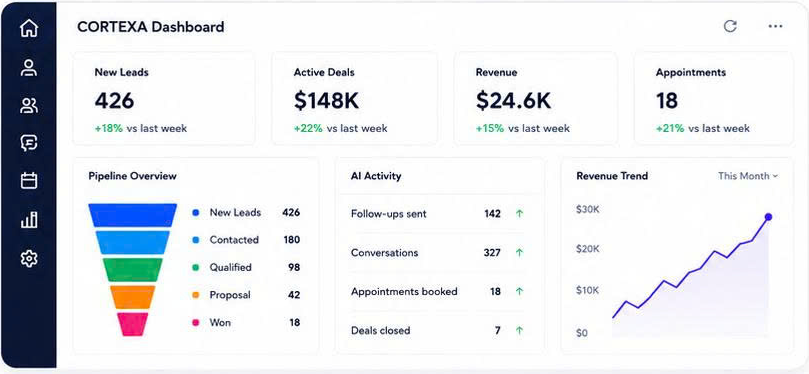
6 Simple Steps to Get Started
Follow these steps and your CORTEXA workspace will be ready to manage leads,
automate follow-ups, and organize your business.
Create Your Account
Sign up in less than a minute. No long forms, no hassle. Prepare your CORTEXA workspace.
Account setupComplete Checkout
Choose your plan and complete checkout to activate your CORTEXA account.
Billing setupLog In to Your Dashboard
Access your CORTEXA dashboard and explore your new command center.
Dashboard accessConnect Your Lead Sources
Connect your websites, WhatsApp, ad accounts, listings, and more to start capturing leads.
Connect sourcesInvite Your Team
Add team members, set permissions, and assign roles so your team can collaborate smoothly.
Team setupStart Closing More Deals
Use CORTEXA to organize leads, manage follow-ups, track pipeline activity, and close more deals.
Start working
Need Help Getting Started?
Our support team is here to help with setup, access, imports, integrations, and workflow preparation.